Design Like a Pro in 20 Days
Stop second-guessing every font, color, and layout. Learn the 80/20 of design that lets you create professional visuals—without hiring a designer or spending years learning.
Course starts Monday. You're 20 days away from design confidence.
Start Designing with Confidence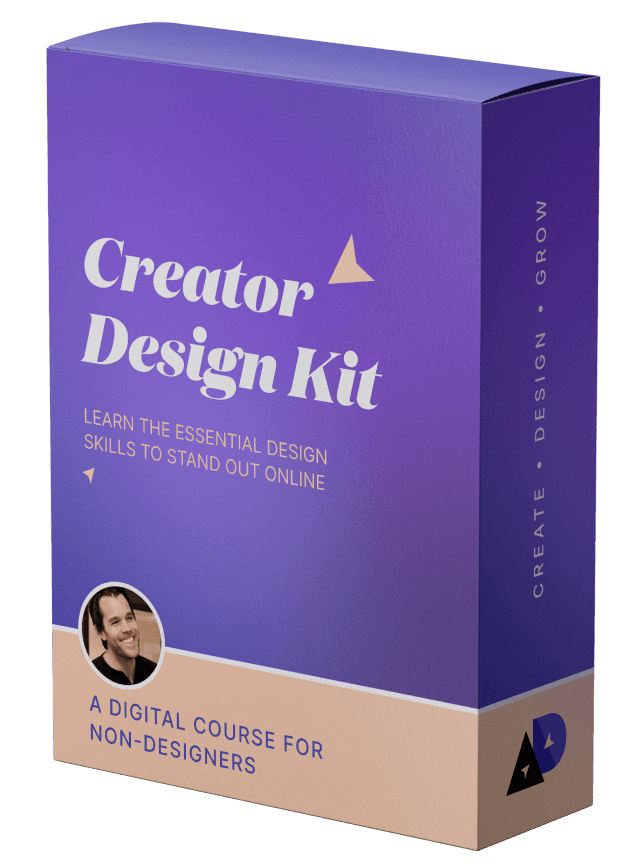
I already "designed" my first thing! My son graduated from ABA therapy this past week and I wanted it to feel special - balloons, a graduation cap, cake, etc. I usually would have skipped designing anything visual because I felt it would take too long or not look good, but after a few lessons I just hopped in and made a digital screen that I mirrored onto the TV for a special touch!
Sola, Course Graduate

The workshop let me come up with my own style and taste which is huge for me especially as the founder of a brand that wants to communicate our customer and student ethos.
Khe Hy, Founder, Rad Reads

This course definitely helped me become a much better designer, and as result – a better builder.
Louis Pereira, Founder, AudioPen.ai
SERIOUSLY. I had tried using Figma before but didn't understand anything. Thanks to Nate I feel very good using Figma.
Irving, Course Graduate
I already "designed" my first thing! My son graduated from ABA therapy this past week and I wanted it to feel special - balloons, a graduation cap, cake, etc. I usually would have skipped designing anything visual because I felt it would take too long or not look good, but after a few lessons I just hopped in and made a digital screen that I mirrored onto the TV for a special touch!
Sola, Course Graduate
The workshop let me come up with my own style and taste which is huge for me especially as the founder of a brand that wants to communicate our customer and student ethos.
Khe Hy, Founder, Rad Reads
This course definitely helped me become a much better designer, and as result – a better builder.
Louis Pereira, Founder, AudioPen.ai
SERIOUSLY. I had tried using Figma before but didn't understand anything. Thanks to Nate I feel very good using Figma.
Irving, Course Graduate
Updated February 22, 2026
Even if you're not a designer, you're still making design decisions.
Have you ever spent money on design, and realized you just made a huge mistake?
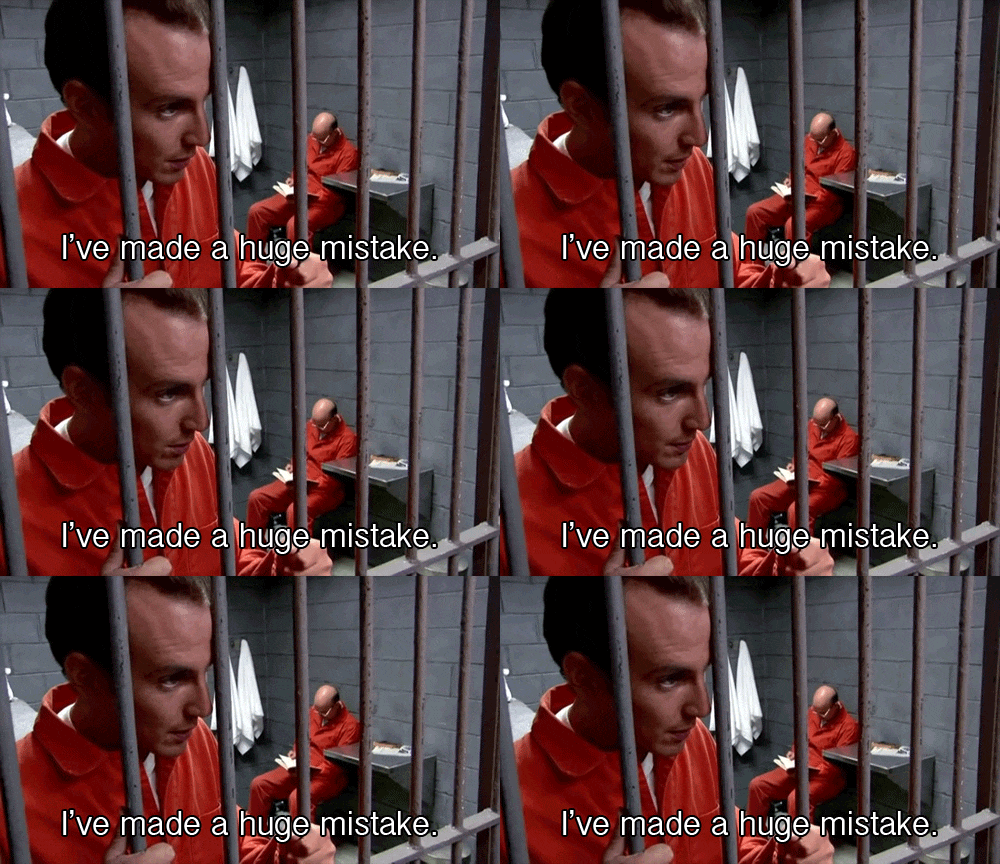
It didn't turn out, and you don't know how to fix it. So you hired a different designer and it was even worse!
It's a sick cycle, because you don't trust yourself to make these decisions yourself.
The cost of not knowing design:
$500-2,000 for a designer who doesn't get your vision
+ 10+ hours of back-and-forth revisions
+ Another $500-1,000 when you try a different designer
+ Endless hours second-guessing every visual decision
= $1,000-3,000+ and weeks of frustration
Or you could learn the fundamentals yourself in 20 days.
In this course, I'll help you understand not only how to make better design decisions, but also how to avoid them.
Author Paul Millerd turned his podcast art from amateur to pro just by learning how to use color, typography, and eye-catching layouts without the help of a designer.
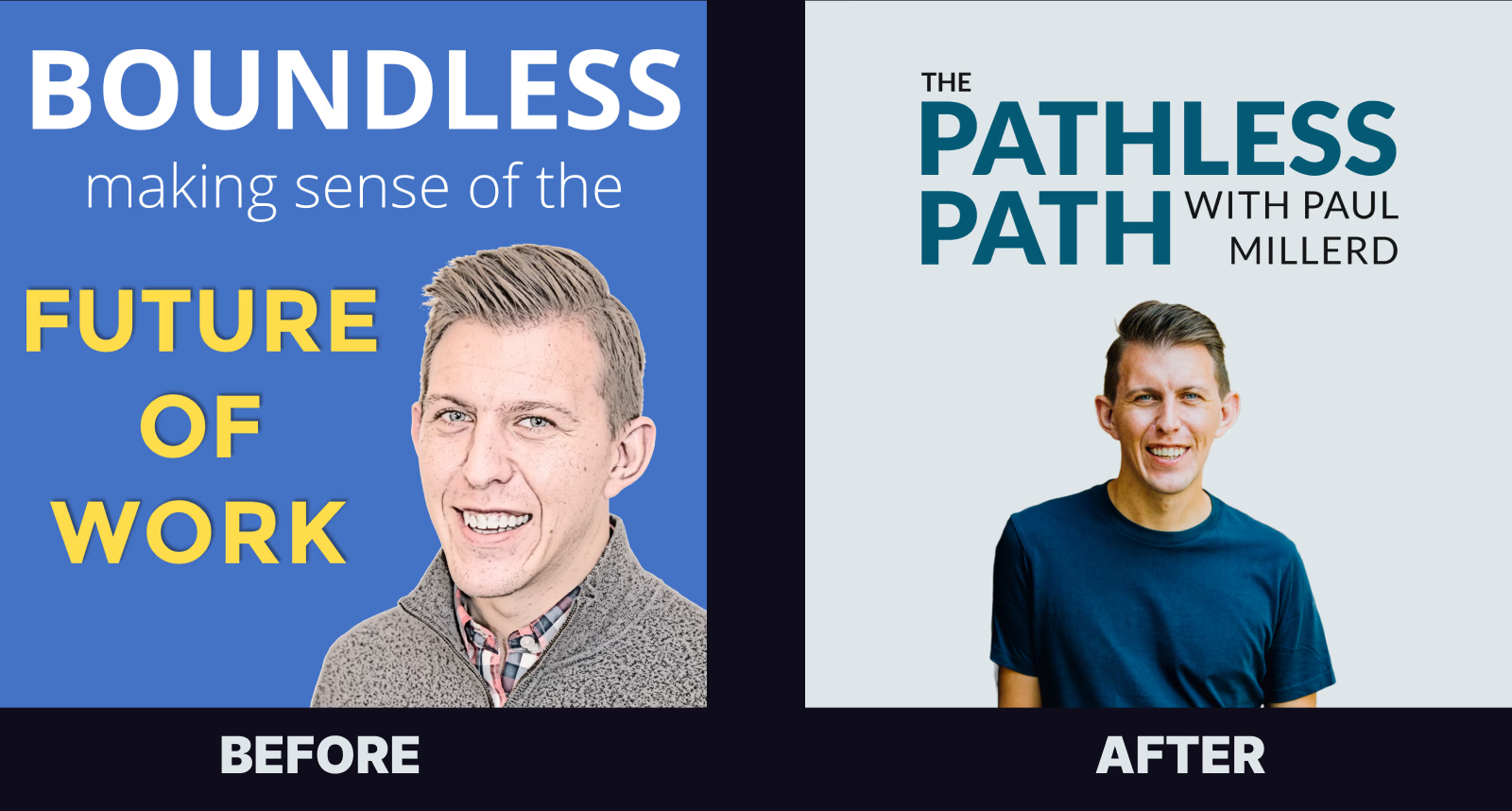
Imagine having the ability to make your own design decisions, or to give design feedback to a designer.
Decisions like:
- • Learn to choose and combine colors that don't clash
- • Why you should never use pure black
- • How to choose an indestructible font family
- • How to use spacing and grids for beautiful layouts
- • How to design yourself in Figma!
And so much more!
If you have ever worked with a designer but you're never happy with the results, there's a design gap. Not all designers are created equal, and if you can't communicate your visual ideas, it's going to be difficult to hit the mark consistently.
This course will take you through the steps to building out a design kit at the end, giving you a shortcut to working with designers.
You don't need to be a designer to make some damn good design decisions. You just need the 80/20.
This email course will show you how.

Overview
What is the Creator Design Kit?
The 80/20 Design Challenge is for non-designers who want to level up their design chops, learning just the most important and fundamental aspects of design.
The design gap is holding you back
If you've ever worked with a designer but you're never happy with the results, there's a design gap. You know what looks good, but you can't articulate why—or create it yourself.
This course teaches you the 80/20 of design—the most essential concepts without overwhelming complexity. You'll learn to make sound visual choices without needing to become a professional designer.
Who Is This Course For?
For coaches & creators
Learn the tools and skills to create stand out graphics for your business, social channels, and websites.
For aspiring designers
Level up your career by learning the fundamentals of Figma, and making better design decisions in your design projects.
For PMs, marketers, and developers
Learn the fundamentals of design so you can better communicate and support the designers around you.
Over-the-shoulder videos and walkthroughs for non-designers
This course is built for non-designers who care about design, but feel intimidated, scared, or don't have confidence in making design decisions.
It's for the ultimate beginner who wants to feel comfortable using tools like Figma, which allows you to create anything you want.
You might also be an engineer, PM, or marketing director who wants to better communicate your design needs, but lack the visual communication skills to feel comfortable expressing ideas.
What You'll Get
Emails nudging you to take action
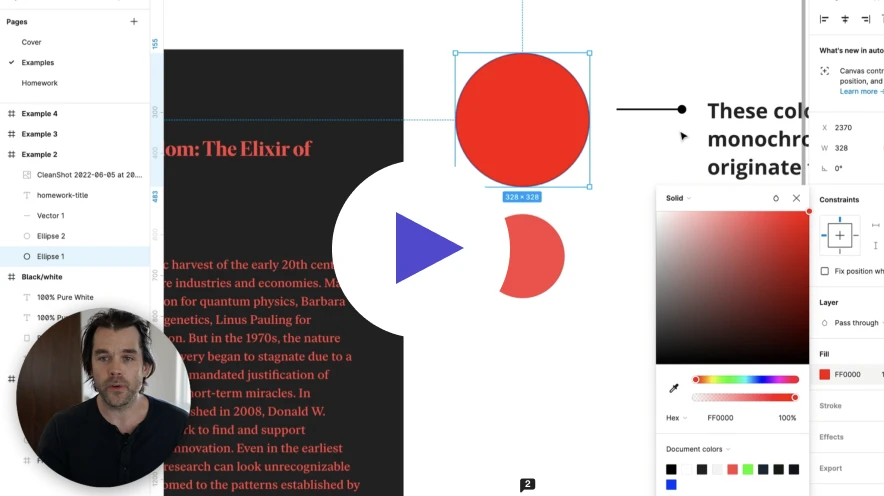
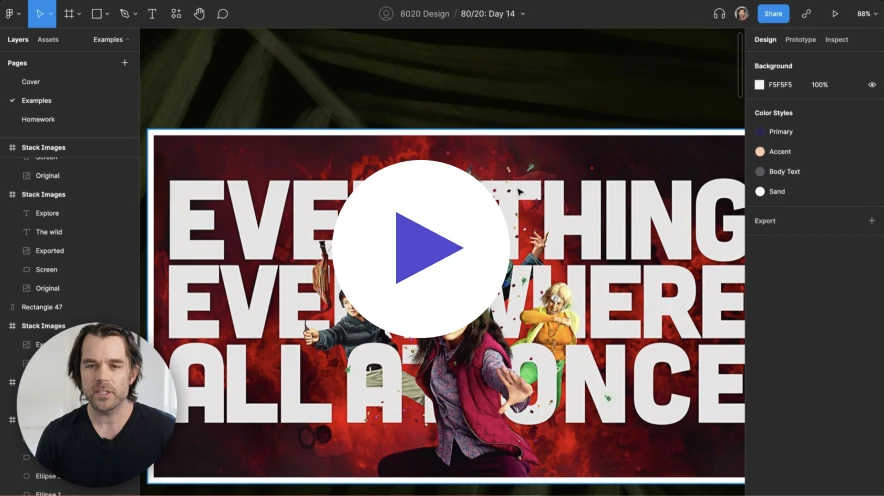
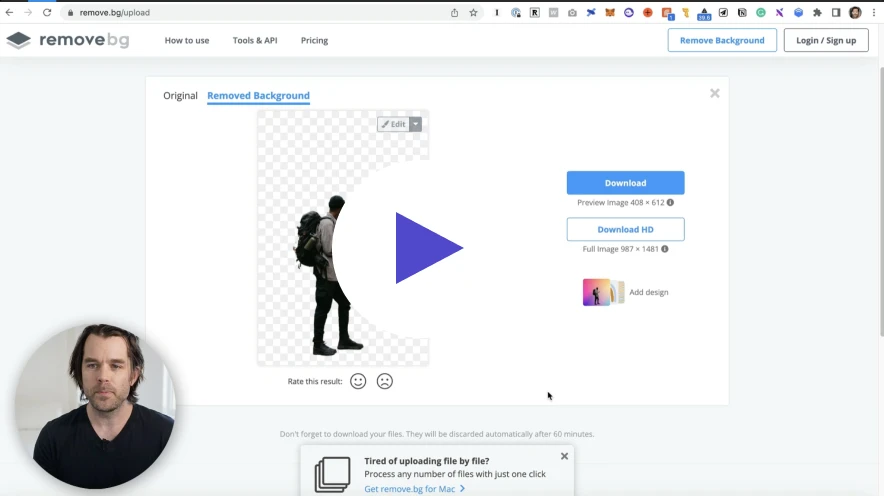
Our design challenge is setup to help you learn incrementally, each day. We start on Mondays, and end on Friday. This gives you the weekend to catch up.
Here's what you'll get each day:
- • An email with a specific design lesson
- • A link to a less than 20 minute video
- • A Figma design file to follow along with
The 20-day curriculum
Foundations
- Figma basics
- Font selection & typography
- Photography beyond stock
- Color theory
- Drop shadow techniques
Principles
- Alignment principles
- Rule of thirds
- Contrast & visual intrigue
- Text hierarchy
- Legibility optimization
Personality
- Adding personality through design
- Color pairing
- Font pairing combinations
- Layering and depth
- Shape creation in Figma
Your Design Kit
- Gradient design
- Text-based logo creation
- Button design
- Masking techniques
- Capstone: Build your reusable design kit
What students say
The workshop let me come up with my own style and taste which is huge for me especially as founder of a brand.
Khe Hy, Founder, Rad Reads
SERIOUSLY. I had tried using Figma before but didn't understand anything. Thanks to Nate I feel very good using Figma.
Irving, Course Graduate

The stuff I'm producing already feels a lot lighter and visually compelling.
Cécile, Course Graduate
The workshop let me come up with my own style and taste which is huge for me especially as founder of a brand.
Khe Hy, Founder, Rad Reads
SERIOUSLY. I had tried using Figma before but didn't understand anything. Thanks to Nate I feel very good using Figma.
Irving, Course Graduate
The stuff I'm producing already feels a lot lighter and visually compelling.
Cécile, Course Graduate
This course definitely helped me become a much better designer, and as result – a better builder.
Louis Pereira, Founder, AudioPen.ai
I wish I had learned this years ago for all those semi-beautiful presentations I created.
Filipe, Course Graduate
The best investment I made this year. Every dollar is worth it!
Iliyan Slavov, Course Graduate
This course definitely helped me become a much better designer, and as result – a better builder.
Louis Pereira, Founder, AudioPen.ai
I wish I had learned this years ago for all those semi-beautiful presentations I created.
Filipe, Course Graduate
The best investment I made this year. Every dollar is worth it!
Iliyan Slavov, Course Graduate
 Nate Kadlac, Founder
Your Instructor
Hi, I'm Nate!
I am a former creative director and product designer who has helped Fortune 500 companies and early-stage startups grow their companies and reach millions of consumers.
Over my career, I've designed investment decks that have helped founders raise millions of dollars, ads to capture attention for companies like Microsoft, HP, Best Buy, and apps that delight millions of consumers.
Now, I work with creators and entrepreneurs who are building brands and companies that want to stand out against the noise.
Get the course
Less than the cost of one design project that doesn't work out.
What you'd spend without this course:
One-time payment. Lifetime access.
- 20 email lessons over 4 weeks
- 20 video tutorials (under 20 min each)
- 20 Figma practice files
- Direct feedback from Nate
- Lifetime access
30-Day Money-Back Guarantee
Complete the course and if you're not satisfied, get a full refund. No questions asked.


30-Day Money Back Guarantee
Frequently asked questions
Can't I just learn this from YouTube?
You could spend months piecing together tutorials, figuring out what's actually important vs. what's filler, and still not know if you're learning the right things. This course gives you a structured 20-day path with daily accountability, practice files, and direct feedback. If you've tried YouTube and still feel stuck, that's exactly why this exists.
Do I need design experience?
No. This course is created specifically for non-designers. If you can use a computer, you can take this course.
When does it start?
Every Monday around 8am PST. You'll receive your first lesson immediately after signing up.
What tools are needed?
Figma—a free design tool that works on PC/Mac, in your browser or as a desktop app.
How do I get feedback?
Just reply to any email and get direct comments and feedback from me personally.
Is there a money-back guarantee?
Yes! Complete the course and if you're not satisfied with what you've learned, get a full refund within 30 days. No questions asked.
Is this course right for you?
This IS for you if:
- You're willing to put in 20 minutes a day for 20 days
- You want to stop relying on designers for every visual
- You're open to learning a new tool (Figma)
- You're a creator, founder, or professional who needs design skills
This is NOT for you if:
- You're already a professional designer
- You expect results without doing the work
- You just want to buy something and never use it
- You're looking for advanced design techniques
Next cohort starts Monday
20 days from now, you could be designing with confidence
Or you could still be second-guessing every font choice and paying designers who don't get your vision.
250+ creators have already made the choice.
Start Your Design Journey — $24930-day money-back guarantee